Published
The normal mode. Your page lists all published merch with your location, bio and links, and search engines can find it.
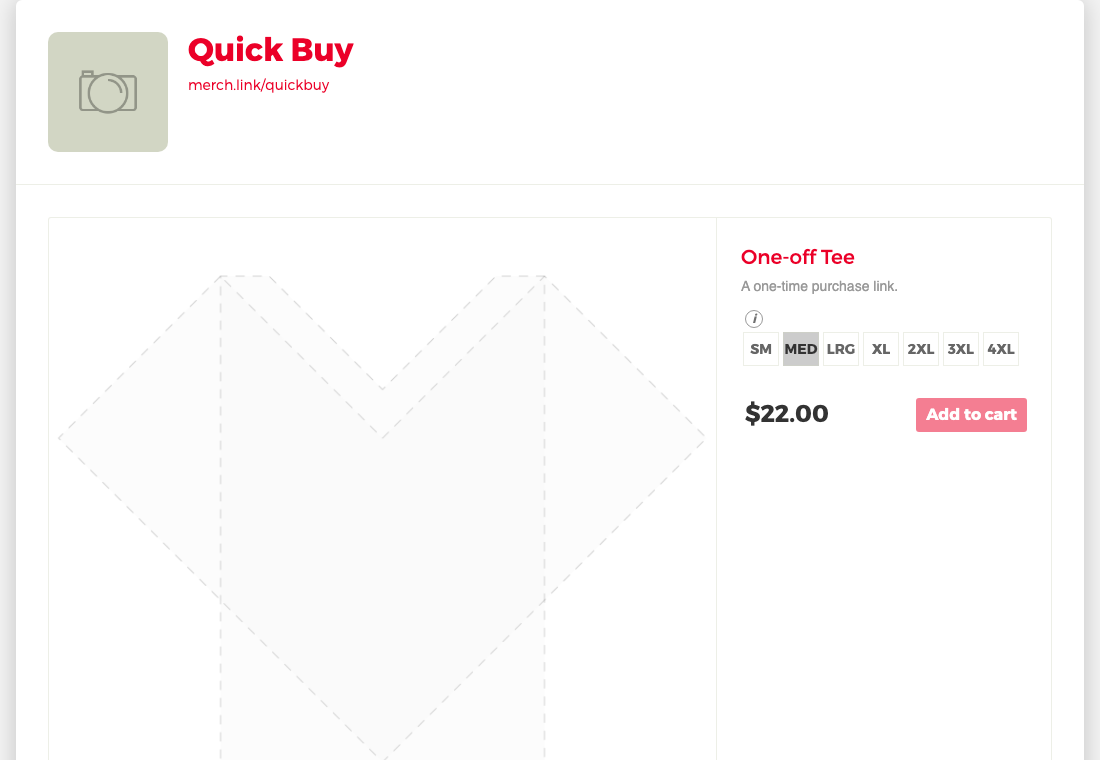
Buy only
For one-off sales. Only a link to a specific item works (yourname.merch.link/ plus the item id). Your location, bio and social links are hidden, the store page itself shows no merch, and search engines are asked to skip it.
Private
Visitors get Page not found. Use this while you're setting up, or to take a store offline. Search engines are asked to skip it.
Changing the mode
Open your store, choose Edit Store, and pick Public or Private under Store Visibility, then Save. While your store is private you can still see it when you're signed in, with a note at the top.
Buy only stores are set up by Merch.link; contact us if you want one.
Still need help?
Contact us