What visitors see
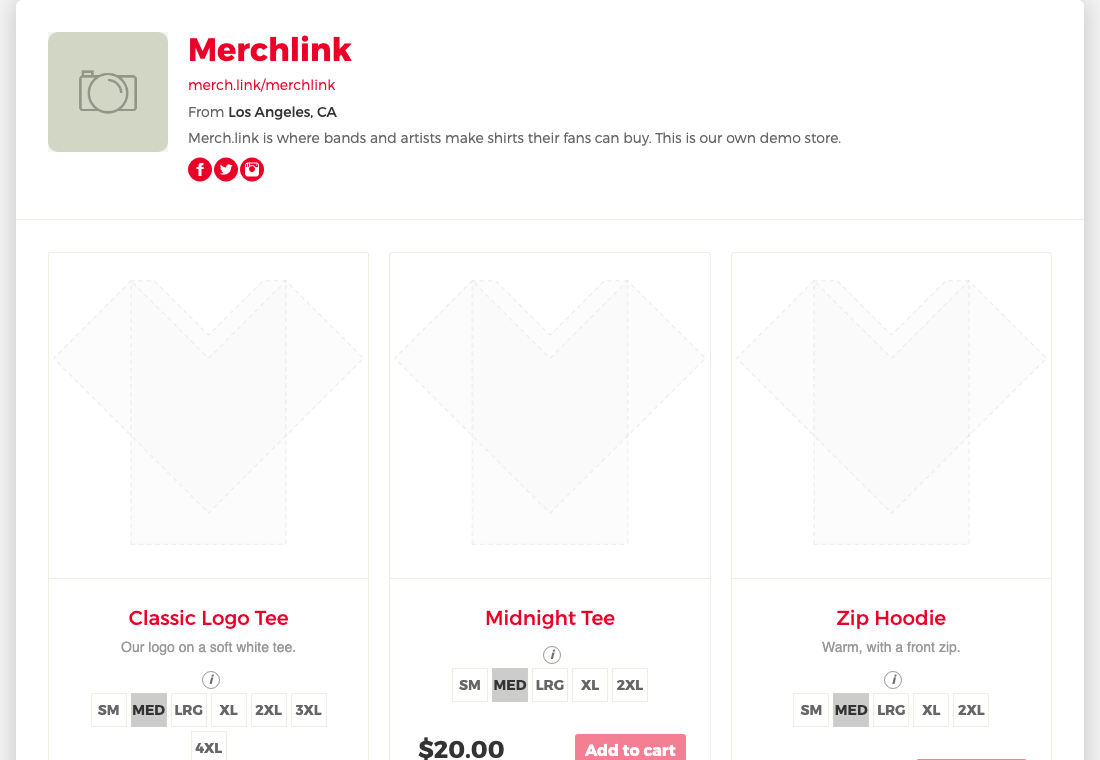
Your page at yourname.merch.link shows:
- your header and profile images (placeholders until you upload yours)
- your store name and address
- your location, bio and social links
- every item that is published
A link for each item
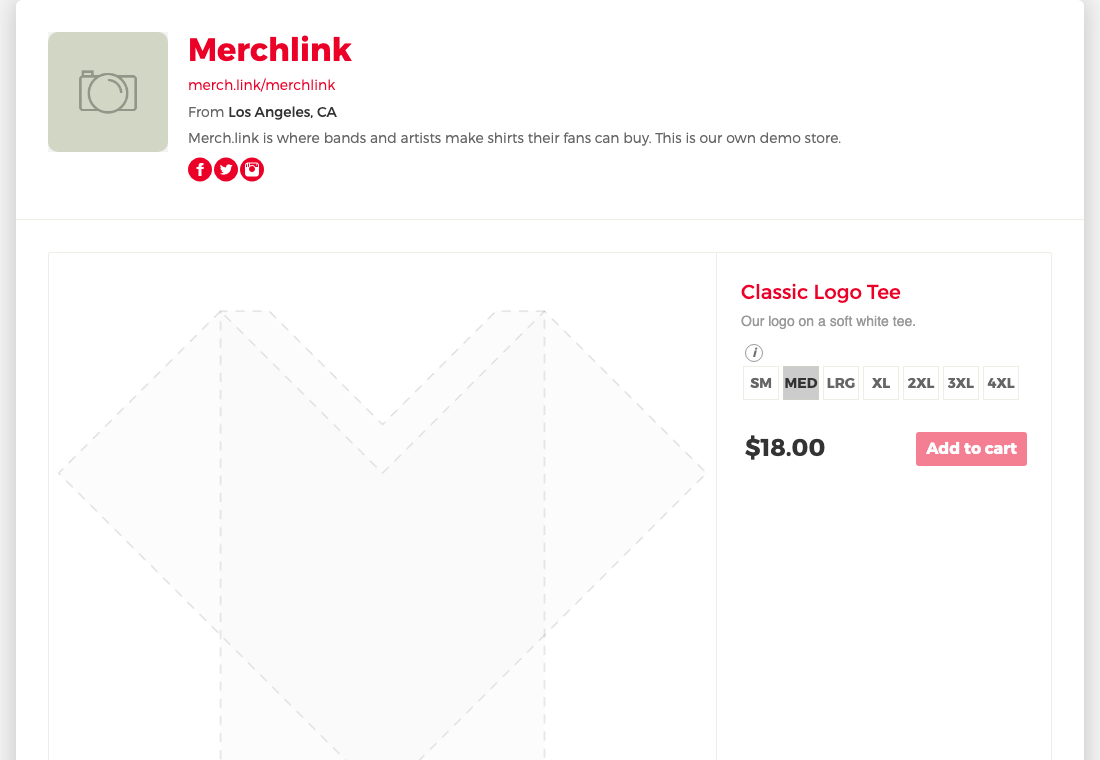
Every item has its own page at yourname.merch.link/ followed by the item's id. Share it to send fans straight to one design. Items that aren't published aren't visible to visitors.
Editing your store
Sign in and open your store: you see it the way visitors do, plus your own tools.
- Edit Store opens your store settings: name, location, bio, links, background color and visibility.
- Upload Header and Upload logo change your images.
- Empty spots show a link to fill them in, like Add Location or Add Description. Visitors don't see these.
- Every item shows its state, like Published or Unfinished. Only published items are visible to visitors.
- A private store is still visible to you, with a note at the top saying visitors can't see it.
Nobody else can see these tools or change your store, even when they are signed in.
What the page can't do yet
Add to cart and checkout open later.
Search engines
Published stores are included in Google's index through our sitemaps. Stores that are buy only or private are not. See store visibility.
Still need help?
Contact us