Where is a store?
Each artist's store has its own address: its name followed by .merch.link, for example merchlink.merch.link.
Finding an item
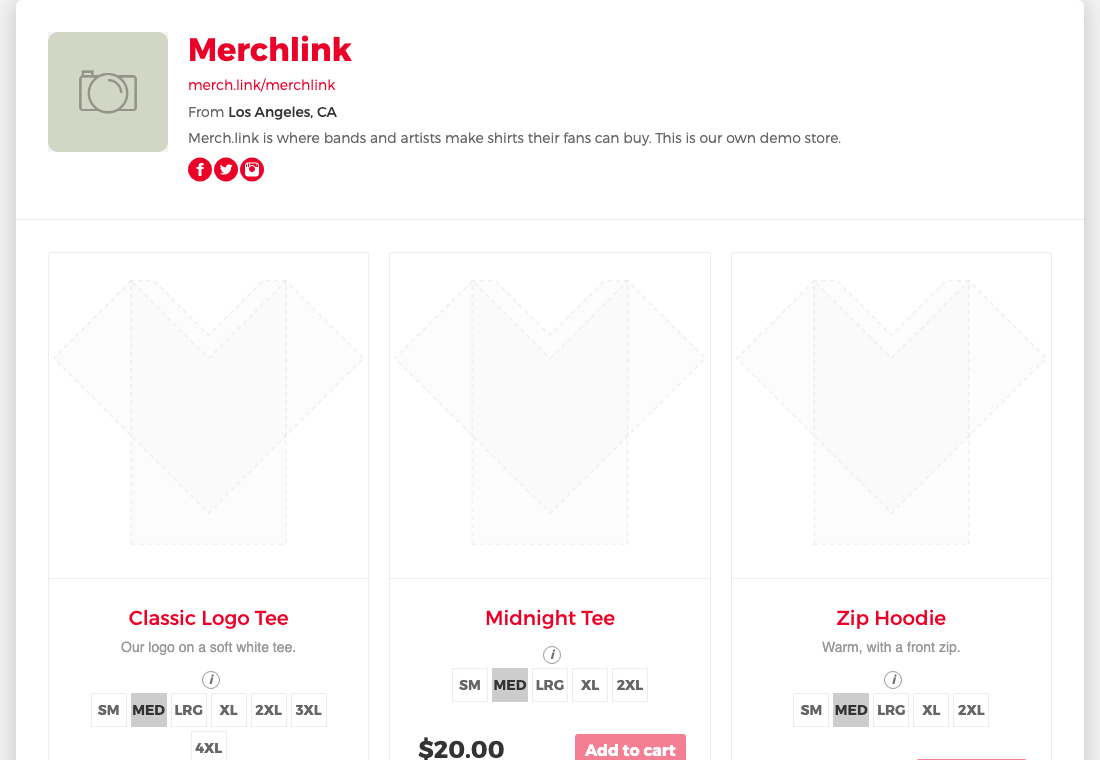
Every item has its own page at storename.merch.link/ followed by the item's id. Share that link to point a friend straight at one shirt. If a store has several items you see them in a grid; open one to see it larger.
Prices and sizes
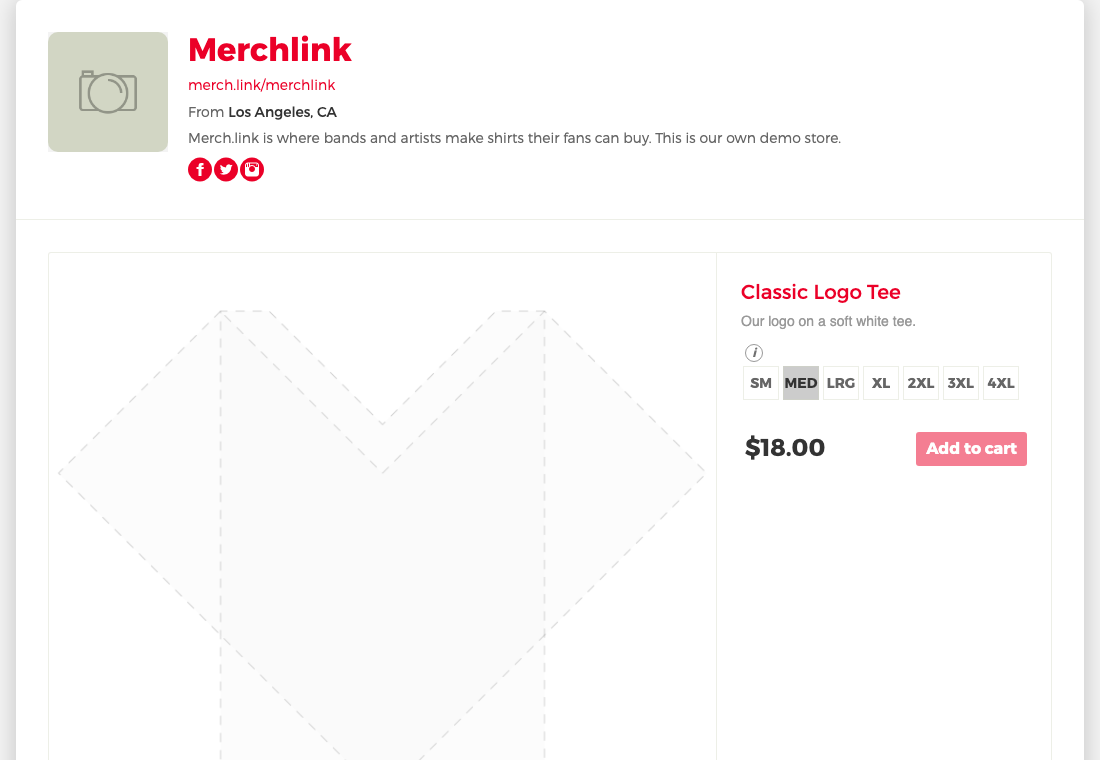
The price shown depends on the size you pick. Sizes 2XL and up can cost a little more. The size highlighted when the page opens is MED, or the first size available if that color has no medium. If a color has no sizes left, the item says "Color out of stock".
See the size guide before you choose.
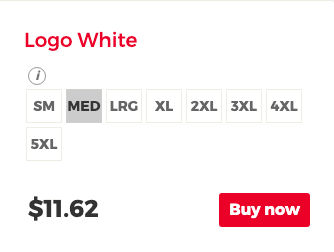
To send an item or a store to a friend, press the share icon beside Buy now, or Share next to the store's address.
"Page not found" on a store link
A store link can show Page not found when the artist has made the store private, the item was removed, or the link is mistyped. Ask the artist for a fresh link, or contact us.
Buying
Pick a size and press Buy now to open checkout for that item. See checking out.
Still need help?
Contact us